
Drop JPG, PNG, WebP, GIF, TIFF or HEIC files up to 32 MB each. Iminify measures every image and picks the smallest file that still looks like the one you uploaded. No account, no watermark.
Before and after
These 10 images went through the exact pipeline your upload goes through, with every level and every format, and nothing was tuned by hand. Drag the handle, switch the level and the format, and read the numbers off the results.
Best result so far: 97.2% smaller, Ultra level, AVIF.
All 10 samples at Smart, same format: 3.89 MB in, 1.52 MB out, 61.0% smaller overall.
Rock, water and sky at 1800 by 1200, saved the way a camera saves it: quality 92, full chroma. Fine texture everywhere, which is where lossy encoders spend their bytes.
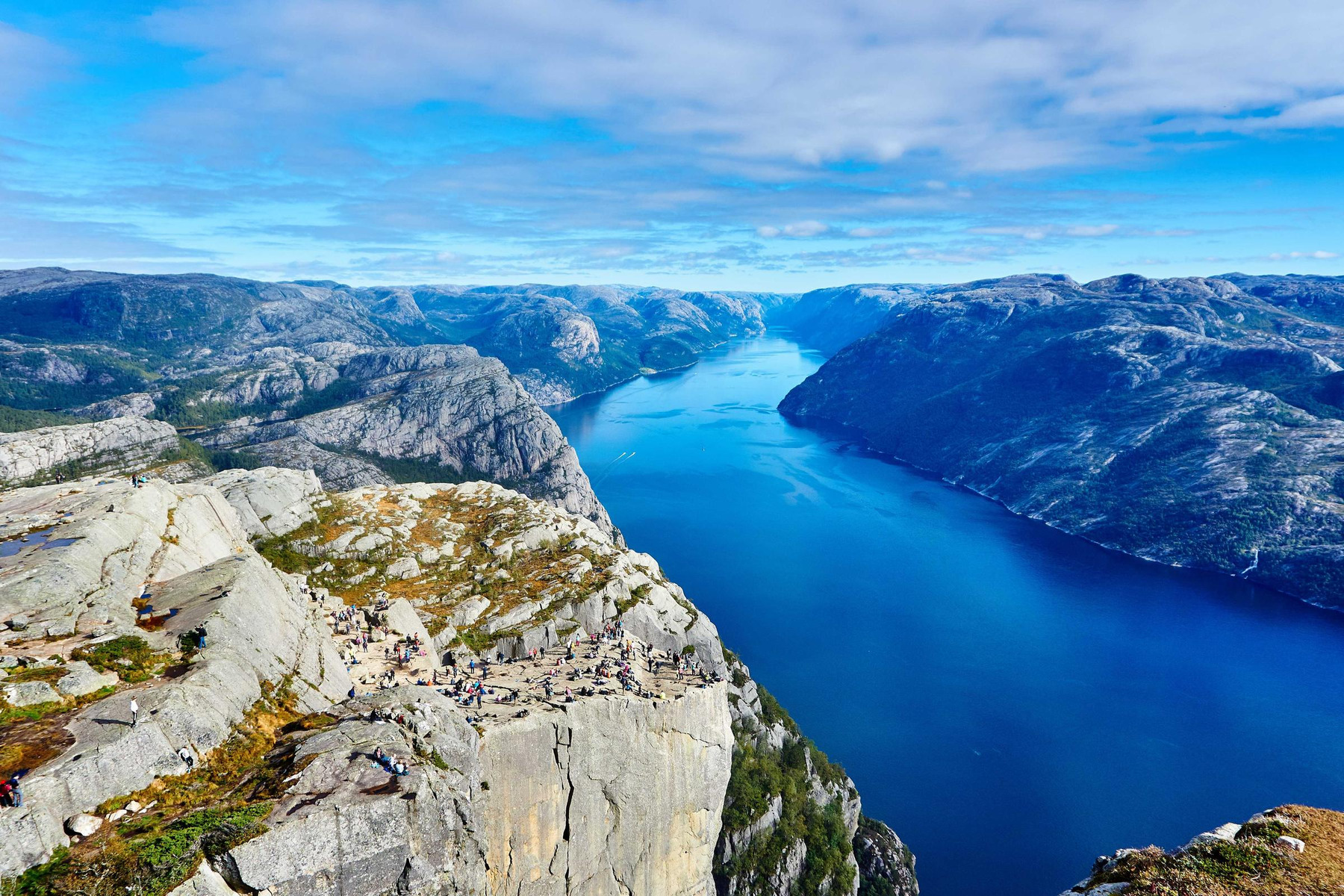
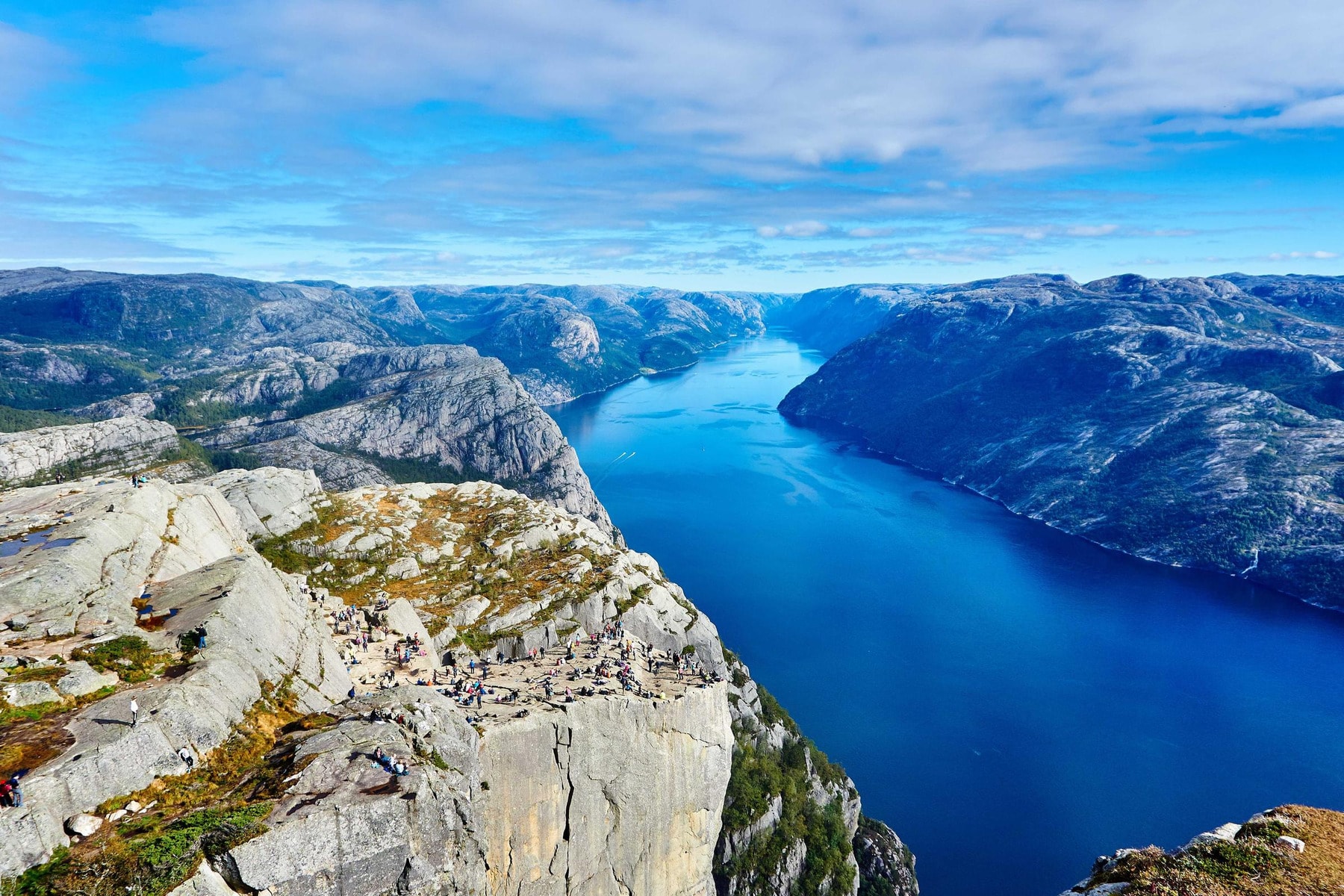
Look the same? Good, that's the job. And no, we didn't put the same picture on both sides: the only difference you're supposed to see is the file size.
Every result for this image
| Same format | WebP | AVIF | |
|---|---|---|---|
| Lossless | |||
| Smart | |||
| Ultra |
What Iminify does
Most image tools do one thing and make you chain three sites together for the rest. Iminify compresses, converts, resizes and strips or keeps metadata in a single pass, so your image is re-encoded once and only once. Two encodes in a row cost you quality twice. One doesn't.
A fixed quality setting treats a foggy sky and a brick wall the same, and they aren't. Smart mode encodes each image at several qualities, measures how far each one drifted from your upload, and keeps the smallest that still clears a 40 dB PSNR target. Ultra does the same with a 34 dB target. An image that cannot reach the target within the level's quality ceiling is encoded at the ceiling. Lossless never touches a pixel of a JPEG, PNG or GIF.
Pick a format, or pick Auto and let the encoders compete. Up to about four megapixels, Auto writes every format your image can be saved in without losing transparency or animation and hands you whichever came out smallest; above that it goes straight to WebP, the format that wins most often. You never pay for a conversion that made the file bigger.
Set a width, a height, or both, or scale the whole image down to a percentage. Resizing uses a Lanczos filter and writes a lossless intermediate, so the format encoder is still the only step that loses anything.
Paste a URL and the page scanner finds every image the page loads, runs each one through this same compressor with your settings, and gives you one zip. Built for the moment you inherit a site full of 4 MB hero images. It comes with a free account.
Scan a page insteadMetadata is stripped by default, camera model and GPS location included. Flip Keep EXIF on and it rides along, even into AVIF, where most tools quietly drop it. Stripping never leaves a phone photo on its side: the orientation tag is applied to the pixels before it goes, and a Display P3 or CMYK colour profile is converted to sRGB instead of just dropped, so the colours stay put.
Compression levels
Other compressors give you a slider from 1 to 100 and leave you guessing. Iminify's levels are defined by a measurement, not a number: how far the compressed pixels are allowed to drift from yours, in decibels of peak signal-to-noise ratio. Higher is closer to the original. Above roughly 40 dB the difference isn't visible at normal size.
| Level | What it promises | What happens | Pick it when |
|---|---|---|---|
| Not one pixel changes in a JPEG, PNG or GIF | The file is repacked, never re-encoded. JPEGs get an optimised Huffman table and progressive scan, PNGs a tighter deflate pass, GIFs a lossless gifsicle run. A lossy WebP has no repack step, so it is re-encoded at the highest quality the level allows. A sideways phone JPEG is rotated losslessly on the way through and keeps its colour profile. The one exception to the promise is a PNG or WebP tagged with a wide-gamut profile such as Display P3: its colours are converted to sRGB, so the values change but the picture doesn't. | Logos, line art, anything you'll edit again, or when the file is evidence. | |
| No visible change, targets 40 dB PSNR | A quality search runs per image and stops at the lowest quality that still clears the target. Photos and graphics end up at different qualities because they need different ones; an image that cannot reach 40 dB inside the quality ceiling is encoded at the ceiling. | Almost everything on a website. This is the default for a reason. | |
| Smallest file, targets 34 dB PSNR | The same search with a lower target. Fine texture softens a little; edges and text stay sharp. | Thumbnails, backgrounds, email images, anything shown small or blurred anyway. | |
| No compression at all | Only the resize, conversion or metadata setting you chose is applied. An untouched upload comes back byte for byte. | You only wanted to resize or convert, and quality is someone else's decision. |
Formats
You can upload PNG, JPG, JPEG, WEBP, GIF, HEIC, HEIF, TIFF, TIF. You can get back WebP, AVIF, PNG or JPG. Here's when each one is the right answer, and when to let Auto decide.
| Format | Best for | Transparency | Animation | Worth knowing |
|---|---|---|---|---|
| WebP | The default for the web. Photos, graphics, screenshots. | Yes | Yes | Supported by every current browser. Iminify encodes it with cwebp at its slowest, most thorough setting, and losslessly for PNG sources when you ask for Lossless. |
| AVIF | Photos and graphics for current browsers. The smallest file on nine of the ten samples above. | Yes | No | The newest format and the slowest to encode. Smart and Ultra search each image for the lowest AVIF quality that still clears the level's PSNR floor, the same floor every other format is held to, and at that floor AVIF beat WebP and JPG on every photograph and graphic above. Only the desktop screenshot went to PNG. Lossless is where it struggles: AVIF's lossless mode came out bigger than WebP's on nine of ten. Supported in Chrome, Firefox, Edge and Safari 16.4 or newer. |
| JPG | Photos that have to open anywhere, including old software. | No | No | Encoded with mozjpeg, which produces smaller files than the libjpeg most tools ship, at the same quality. Progressive by default. |
| PNG | Logos, icons, UI, anything with hard edges or transparency that must open everywhere. | Yes | No | Smart and Ultra quantise to 256 colours with pngquant, which is where the big PNG savings come from. Lossless keeps the full palette. |
| GIF | Short animations where WebP isn't an option. | Yes | Yes | Every frame is kept. Convert an animated GIF to WebP and the animation survives too; convert it to PNG, JPG or AVIF and only the first frame does. |
| HEIC | Uploading iPhone photos. Output as JPG, WebP or AVIF. | No | No | Input only. Browsers don't display HEIC, so the useful move is HEIC in, WebP or JPG out. |
How it works
Smart is selected for you. Turn on Change Format to convert, Resize to scale, Keep EXIF to preserve metadata.
A whole batch at once, up to 32 MB each. Each one is queued the moment it lands and starts compressing on our servers.
Every result shows the original size, the new size and the saving. Tick the ones you want and download a single zip.
Guest, account or Pro
No trial and no card to start. A guest gets 20 images a day and a history that lives in this browser. A free account raises that to 100, opens the page scanner and keeps your history with your account for as long as you have one. Pro takes the daily caps away, doubles the size limit and puts your uploads ahead of the queue, for $6 a month.
| What you get |
Guest
Drop a file, get it back. Nothing to fill in. |
Free account
One form and one email to verify, and the limits move. |
Pro
$6 a month or $48 a year, four months free For the days when 100 images are not enough. |
|---|---|---|---|
| Images a day | 20 | 100 | Unlimited |
| Page scans | Not included | 10 a day, up to 50 images each | Unlimited, up to 150 images each |
| Uploads a minute | 20 | 30 | 60 |
| Queue | The shared queue | The shared queue | A lane of its own, ahead of everyone waiting |
| Your history | In this browser, until the cookies go | Kept with your account for as long as you have one | Kept with your account for as long as you have one |
| Size per image | Up to 32 MB | Up to 32 MB | Up to 64 MB |
| Levels and formats | All of them | All of them | All of them |
| Resize, convert, keep EXIF | Included | Included | Included |
| Batch upload, one zip | Included | Included | Included |
| Watermark | Never | Never | Never |
| Start without an account | Create a free account | Go Pro |
The daily counts reset 24 hours after your first image. Signing up takes a name, an email and a password, and the account stays free. Pro is paid by card, renews on its own and can be cancelled any time from your plan page.
Your images
Uploads travel over an encrypted connection and are compressed on servers we run ourselves. Your image is never sent to a third-party API. The encoders are mozjpeg, pngquant, cwebp, avifenc and gifsicle, running on our own machines.
We keep your originals and your optimised copies rather than deleting them on a timer, so a result is still there when you come back for it.
A free account isn't required to compress. Sign up and your history stays with your account instead of this browser, for as long as you have one, so every result is still there on another device or after your cookies are gone, and the daily allowance goes from 20 images to 100.
Questions
Scroll up, drop a file, watch the size fall. If it doesn't shrink, you'll get your original back and nothing lost.